
Welcome to the ArtTwist blog. Today, we are zooming in. Way in. Until the smooth curves of reality turn into jagged, charming little squares.
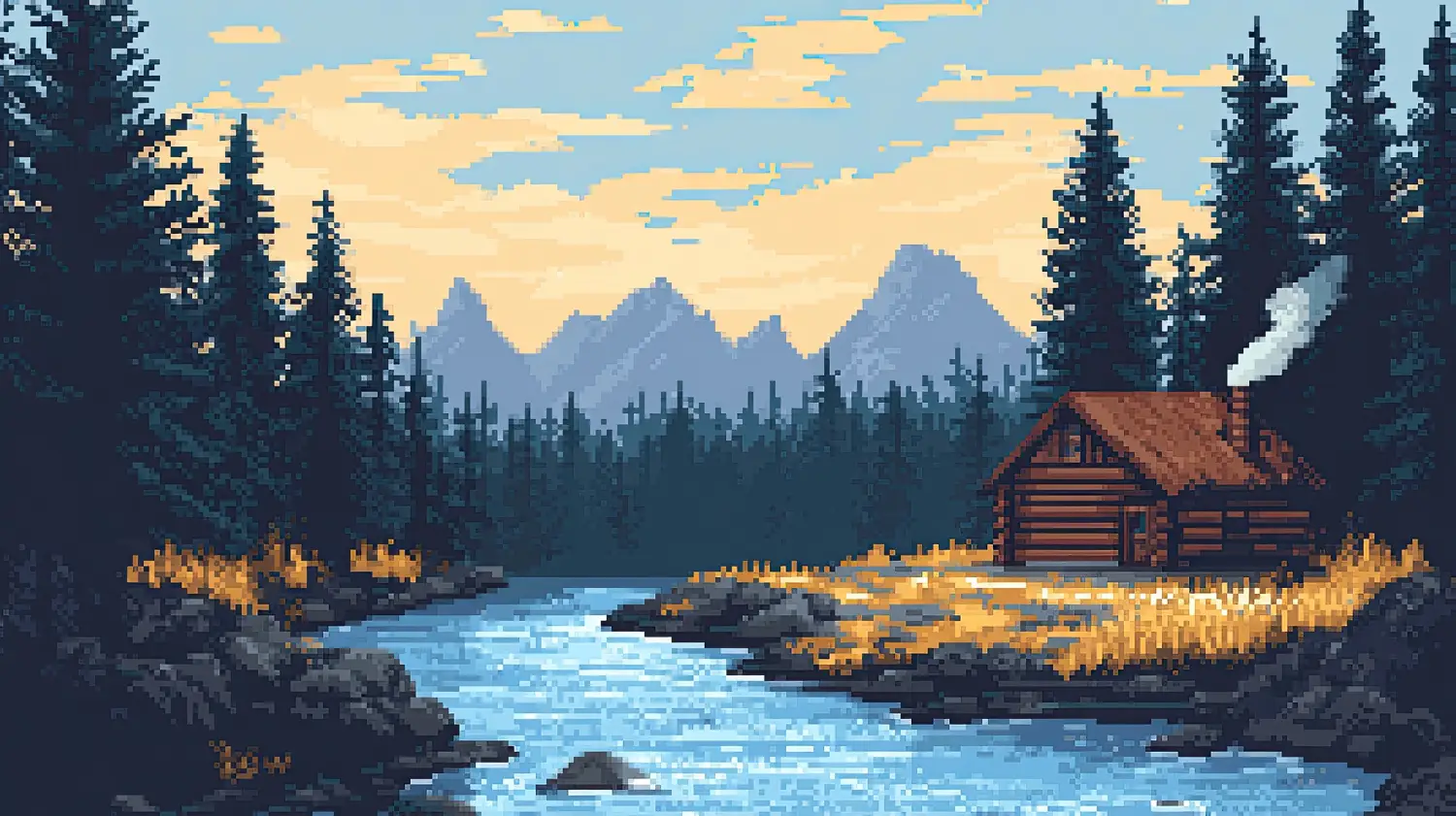
Pixel art is experiencing a massive renaissance. It’s no longer just a necessity of 1980s hardware limitations; it is a deliberate artistic choice. From indie game hits like Stardew Valley and Celeste to the exploding world of NFT art, pixel art proves that you don’t need 4K resolution to convey emotion.
If you are sitting there with a blank grid and no inspiration, you’ve come to the right place. We have curated a collection of pixel art ideas to get your creative juices flowing, whether you are a complete beginner or a seasoned artist looking for a new challenge.
Why Pixel Art? The “Unexpected Twist” of Limitation
Here is the twist: Restriction breeds creativity.
When you have infinite resolution, you can get lazy. But when you only have a 32×32 grid to draw a character, every single pixel matters. Placing a dot one pixel to the left might change a character’s expression from “angry” to “confused.” This art form teaches you the importance of economy. It forces you to capture the essence of an object rather than just its likeness.
Top Pixel Art Ideas for Beginners
If you are just starting, don’t try to recreate the Mona Lisa (yet). Start small.
1. The “Inventory Item” Collection
In RPG games, items need to be instantly recognizable in a tiny box. This is the perfect practice ground.
- The Potion Bottle: Practice rendering liquid and glass highlights.
- The Sword: Practice straight lines and metallic shading.
- The Food Icon: Try to make a pixelated burger look tasty. It’s harder than it looks!
2. The Personal Avatar
Forget high-res selfies. Try to capture your likeness in a 64×64 grid.
- Focus on distinctive features: Do you wear glasses? Have a specific hairstyle?
- Twist it: Draw yourself as a fantasy character. What would you look like as a pixelated wizard or a cyberpunk hacker?
3. Environmental Textures
This sounds boring, but it’s meditative. Try to create a “tile” of grass, stone, or wood that loops perfectly if you place it side-by-side. This is the foundation of game design.
4. Animated Emotions (The “Idle” Animation)
Pixel art shines when it moves. You don’t need to make a full movie.
- Make a character blink.
- Make a flame flicker.
- Make a coffee cup steam. These 3-4 frame loops are incredibly satisfying to create and share on social media.
The Academic Twist: Gamify Your Education
Now, let’s bring this back to our student audience. You might be thinking, “This is cool, but I have a 50-page history PDF to read.”
Here is how you can use pixel art to hack your study habits and stand out in class. This is the concept of Gamification applying game-design elements to non-game contexts.
1. The “8-Bit” Powerpoint Presentation
Professors are tired of seeing the same standard white slides with black text. Want an unexpected twist for your next group project? Go retro.
- Use a pixel font (like “Press Start 2P”) for headers.
- Instead of stock photos of “business people shaking hands,” design simple pixel icons to represent your data.
- It shows effort, personality, and creativity. It makes your presentation memorable. If you are a CS major or studying digital culture, this aesthetic is practically a requirement.
2. The Habit Tracker RPG
Studying for finals is a grind. So, treat it like an RPG (Role-Playing Game).
- Draw a simple “progress bar” or a “health heart” in your notebook.
- Every hour of deep work fills in a pixel.
- Create a “boss monster” (the exam) in pixel art. Every chapter you read deals damage to it.
- It sounds silly, but our brains release dopamine when we visualize progress. Turning a boring checklist into a visual “quest log” can save your semester.
3. Prototyping for Non-Coders
If you have a great idea for an app or a game but can’t code yet, pixel art is your best friend. You can create “mockups” of what the screen would look like. It’s a low-barrier way to pitch an idea to friends or future collaborators without writing a single line of code.
Advanced Techniques: Mastering the Palette
Once you have the basic ideas down, the real artistry begins with Color Theory.
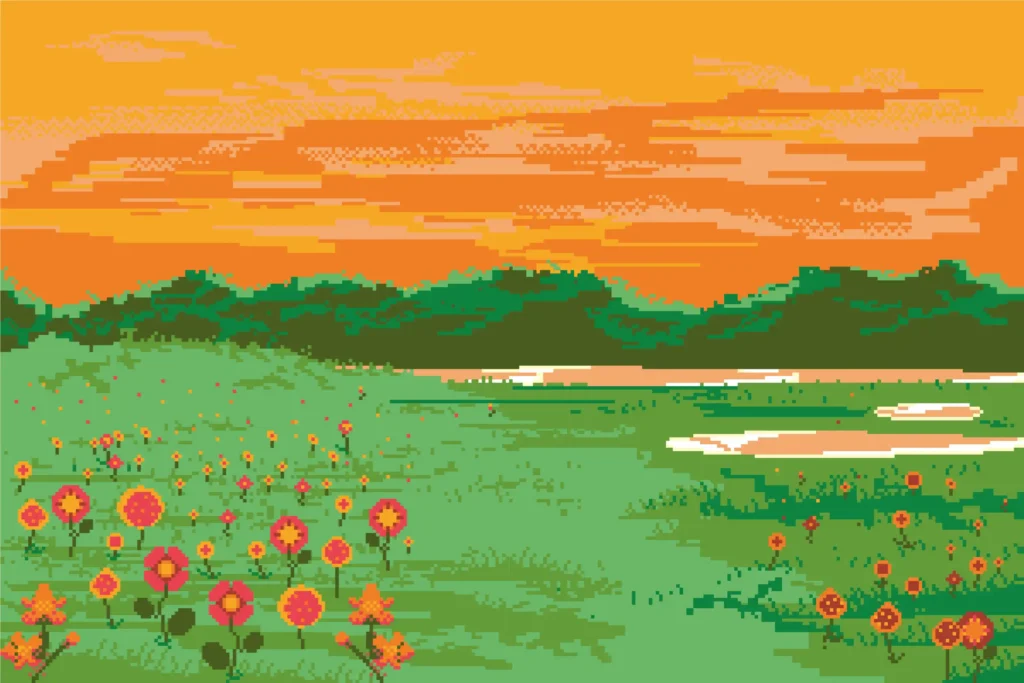
In traditional painting, you mix colors on the canvas. In pixel art, you usually work with a limited palette (sometimes as few as 4 or 8 colors). This limitation creates a cohesive look.
- Dithering: This is a classic technique used to create the illusion of shading. Instead of using a gradient (which doesn’t exist in true pixel art), you create a checkerboard pattern of two colors. The further away you look, the more they blend.
- Anti-Aliasing (AA): This is the art of smoothing out jagged lines by manually placing semi-transparent pixels at the corners. It makes your art look polished and professional.
Tools of the Trade
You don’t need expensive software to start.
- Aseprite: The gold standard for many professionals (paid, but worth it).
- Piskel: A fantastic free online tool that runs in your browser.
- MS Paint: Yes, really. The classic tool is still capable of great pixel art if you know how to use it.
Conclusion: Just Place the First Dot
The beautiful thing about pixel art is that it is non-destructive. If you place a pixel in the wrong spot, you just erase it or paint over it. There is no wasted paint, no ruined canvas.
It is the perfect medium for the anxious creator. It encourages iteration. It invites you to try, fail, fix, and polish.
So, here is your homework from ArtTwist: Open a grid. Pick three colors. And create something unexpected. Whether it’s a tiny sprite for a game that doesn’t exist yet, or a custom icon for your university presentation, let the pixels tell your story.
We hope these pixel art ideas have sparked a lightbulb (perhaps a flickering, 8-bit lightbulb) in your mind. Go forth and create!